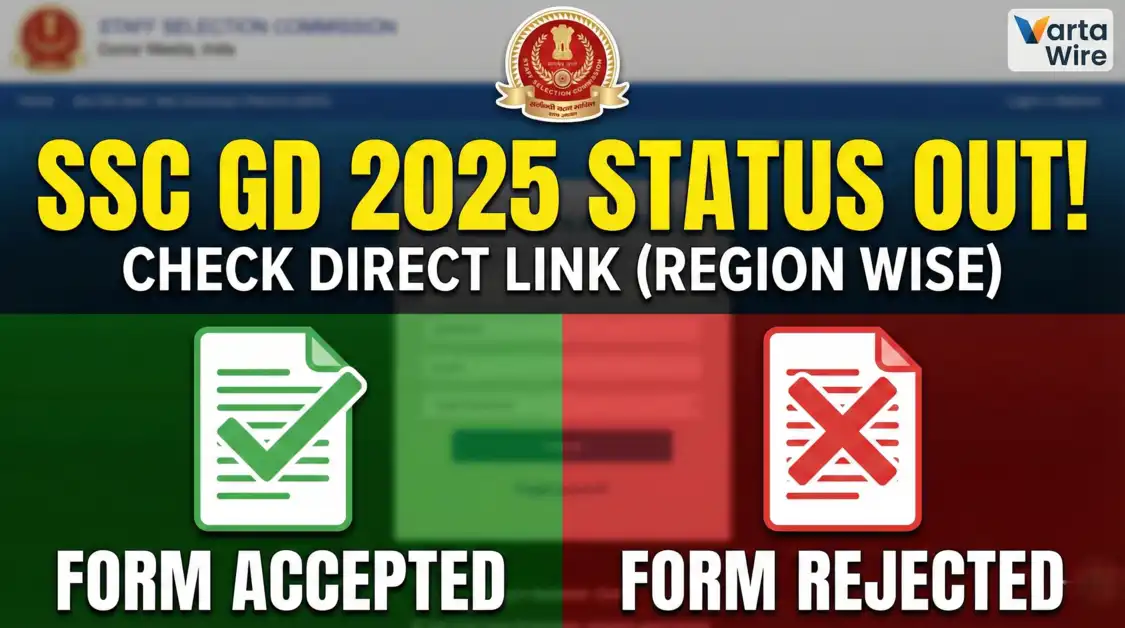
SSC GD Application Status 2026 Out: Accepted or Rejected? Region Wise Direct Link
SSC GD Application Status 2025: Check Application Acceptance and Region-Wise Links
The Staff Selection Commission (SSC) has commenced the release of the Application Status for the SSC GD Constable 2025 Examination. This is a critical stage for all applicants, as it confirms whether their candidature has been provisionally accepted or rejected due to technical errors.
With a high volume of applications submitted for the upcoming recruitment drive, candidates are advised to verify their status immediately. If an application is rejected, the Admit Card will not be generated, and the candidate will be ineligible to sit for the Computer Based Examination (CBE) scheduled for February 2026.
Below is the detailed information regarding the application status for all regions, including Northern (NR), Central (CR), and others.
SSC GD 2025 Recruitment: Important Dates
| Event | Date |
| Notification Release | August 2025 |
| Application Status Release | December 2025 (Ongoing) |
| Admit Card Availability | Late January 2026 |
| Examination Dates | February – March 2026 |
Direct Links: SSC GD Application Status (Region Wise)
The commission releases the status separately for each region. Candidates must locate the region under which they applied (based on their chosen exam center state) and check the link status below.
| Region Name | States Covered | Current Status |
| KKR Region | Karnataka, Kerala | [Link Active] |
| SR Region | Andhra Pradesh, Tamil Nadu, Telangana | [Link Active] |
| ER Region | West Bengal, Odisha, Jharkhand, Sikkim | Pending |
| CR Region | Uttar Pradesh, Bihar | Expected Shortly |
| NR Region | Delhi, Rajasthan, Uttarakhand | Pending |
| MPR Region | Madhya Pradesh, Chhattisgarh | Pending |
| WR Region | Maharashtra, Gujarat, Goa | Pending |
| NWR Region | Haryana, Punjab, J&K, Himachal Pradesh | Pending |
| NER Region | Assam, Arunachal, Manipur, Meghalaya | Pending |
Note: This table is updated regularly as regional websites activate their respective links.
Common Reasons for Application Rejection
The Staff Selection Commission enforces strict guidelines regarding application forms. The most common reasons for rejection include:
- Photograph Issues: The uploaded photograph is blurred, too small, or does not meet the specified dimensions.
- Accessories in Photo: Wearing spectacles, caps, or masks in the passport-sized photograph is a primary cause for rejection.
- Signature Errors: The signature is blurred, missing, or illegible.
- Data Mismatch: Discrepancies between the name or Date of Birth entered in the application versus the Aadhaar Card or Matriculation certificate.
- Duplicate Applications: Submitting multiple forms for the same examination leads to automatic cancellation.
Step-by-Step Guide to Check Application Status
- Identify your specific SSC Region from the table above (e.g., Central Region for UP/Bihar).
- Visit the official regional website via the provided link.
- Navigate to the “Status of Constable (GD) in Central Armed Police Forces Examination, 2025” link.
- Enter your Registration ID and Date of Birth in the required fields.
- Complete the captcha verification.
- Click on “Search” or “Check Status” to view your result.
- If the status shows “Form Accepted,” you are eligible to appear for the exam.
Frequently Asked Questions (FAQs)
Q1: When will the Admit Card for SSC GD 2025 be available?
Answer: Admit cards are typically released 4 to 7 days prior to the candidate’s specific exam date. Given the schedule, candidates can expect them starting late January 2026.
Q2: My application status says “Rejected.” Is there a solution?
Answer: Generally, the SSC does not provide a correction window after the status is released. Rejection is usually final. However, candidates should check the official notification for any specific grievance redressal mechanisms.
Q3: What documents are needed to check the status?
Answer: You will primarily need your Registration ID (or Roll Number) and Date of Birth. Some regions also allow searching by Name and Father’s Name if the Registration ID is lost.